

Purge Your Subscriptions Before Prices Jump
Ever feel like you’re bleeding cash on subscriptions—streams, apps, delivery perks, even that beauty box you forgot you signed up for? If you’re worried another price hike is coming, you’re not alone: nearly half of households share the same fear. This fall, cutting back—or even just pausing—could be your easiest $500 win. Here’s how to switch from “set it and forget it” to “purge and pounce” before costs hit new highs!
1. Do a Full Subscription Purge
Prices are jumping across the board: Disney+ will bump its ad-supported plan to $11.99 next month, and Netflix’s Premium now stands at $24.99. Chances are, you’re still paying for things you barely use.
Netflix, Disney+, Apple TV+, Discovery+, Peacock… all raised prices in 2025, sometimes for the fourth year running (WTOP News).
- List every paid subscription—streams, gaming, delivery, apps, meal kits, boxes.
- Look for annual “surprise renewals.”
- If you haven’t used it in the last month, cancel or downgrade today—before next billing.
You’ll feel instant relief seeing those charges disappear. Want to really amplify your savings? Unsubscribe directly through the provider to avoid hidden renewal tactics.
2. Pause, Downgrade—or Switch to Free Options
Can’t live without sports, movies, or a favorite show? No need to go cold turkey. Switch to free (or ad-supported) tiers where possible—streaming platforms are leaning into ads as costs go up for everyone.
Streaming prices jumped over 20% since 2023, leading many to switch to ad-supported options (Source: LinkedIn).
- Try Howdy’s ad-free service for only $2.99/month, or see what shows are free on the PlutoTV app.
- ESPN’s new standalone app starts at $29.99 in September, but sports fans can often watch key games on network sites and YouTube.
- If you must keep a subscription, always look for a cheaper tier—Peacock and Discovery+ both have ad-supported plans $4–5 cheaper per month than going ad-free.
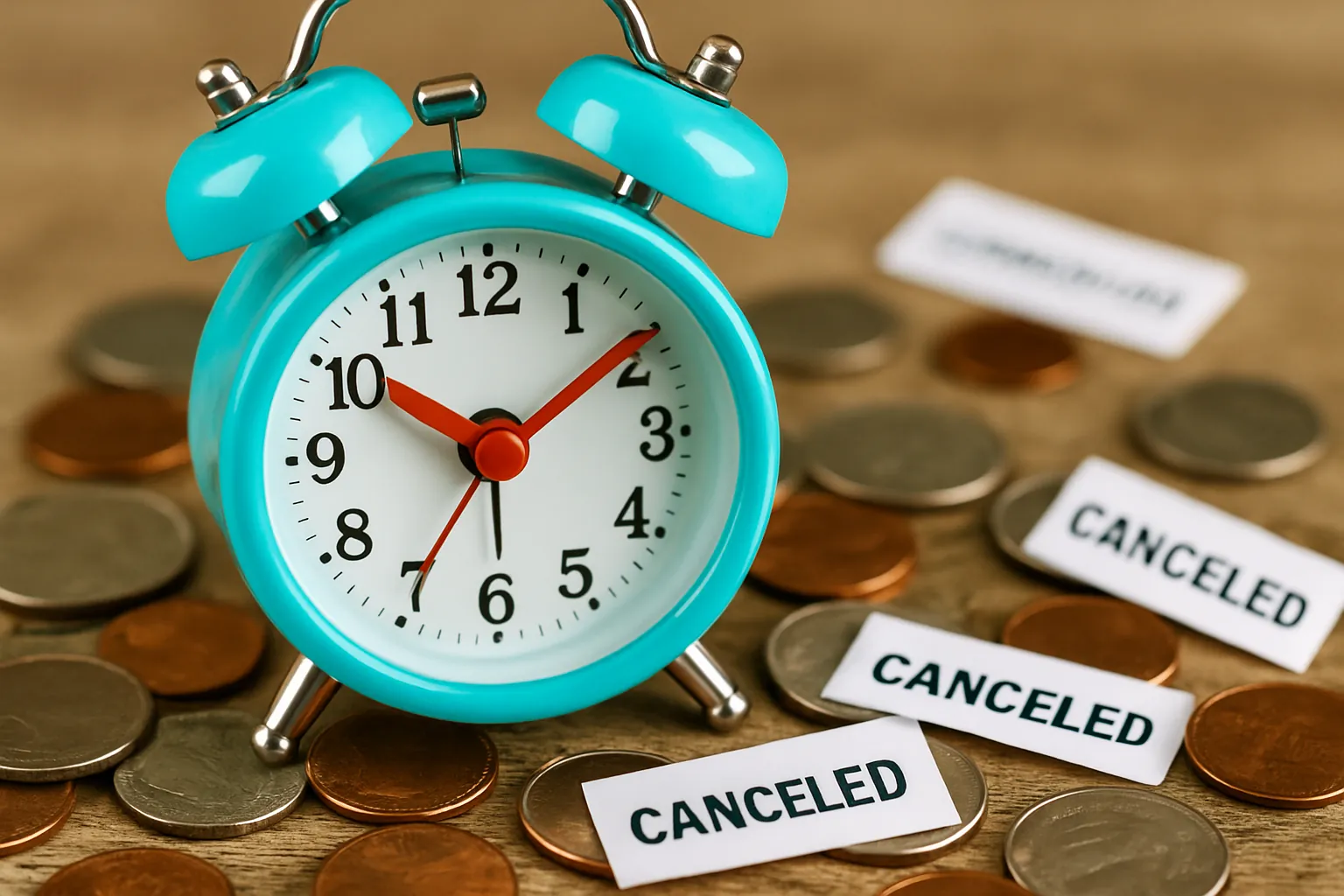
Pro tip: Set a calendar reminder so you can catch any ‘come back’ offers when your free trial ends.
3. Pounce When You Get Retention or ‘Come Back’ Deals
If you cancel a subscription, you’re often not truly gone. Many services offer surprise retention discounts or ‘win-back’ deals if you try to leave—and these can save you up to 50% on your next bill!
Surveys show canceling can trigger one-time deals—some streaming and food apps offer 30-50% off if you pause or quit.
- After canceling online, watch your inbox for “we miss you” offers.
- Consider pausing instead—some providers let you keep your data/settings and then dangle special rates to reactivate.
- Keep tracking new launches, like Fox One or Fubo’s sports bundle, for limited-time pricing.
You can always say no to the deal—but it’s much better than auto-renewing on full price. Don’t be afraid to “threaten” cancellation; companies want to keep you.
Conclusion: Turn Off, Cash In
Kicking just a handful of subs off your bill could save you close to $500 a year—especially as prices keep going up. Grab the easy wins: purge what you don’t use, switch to cheaper versions, and jump on comeback deals if they land in your inbox. Audit your subs today—your wallet will thank you before the next rate hike hits.