
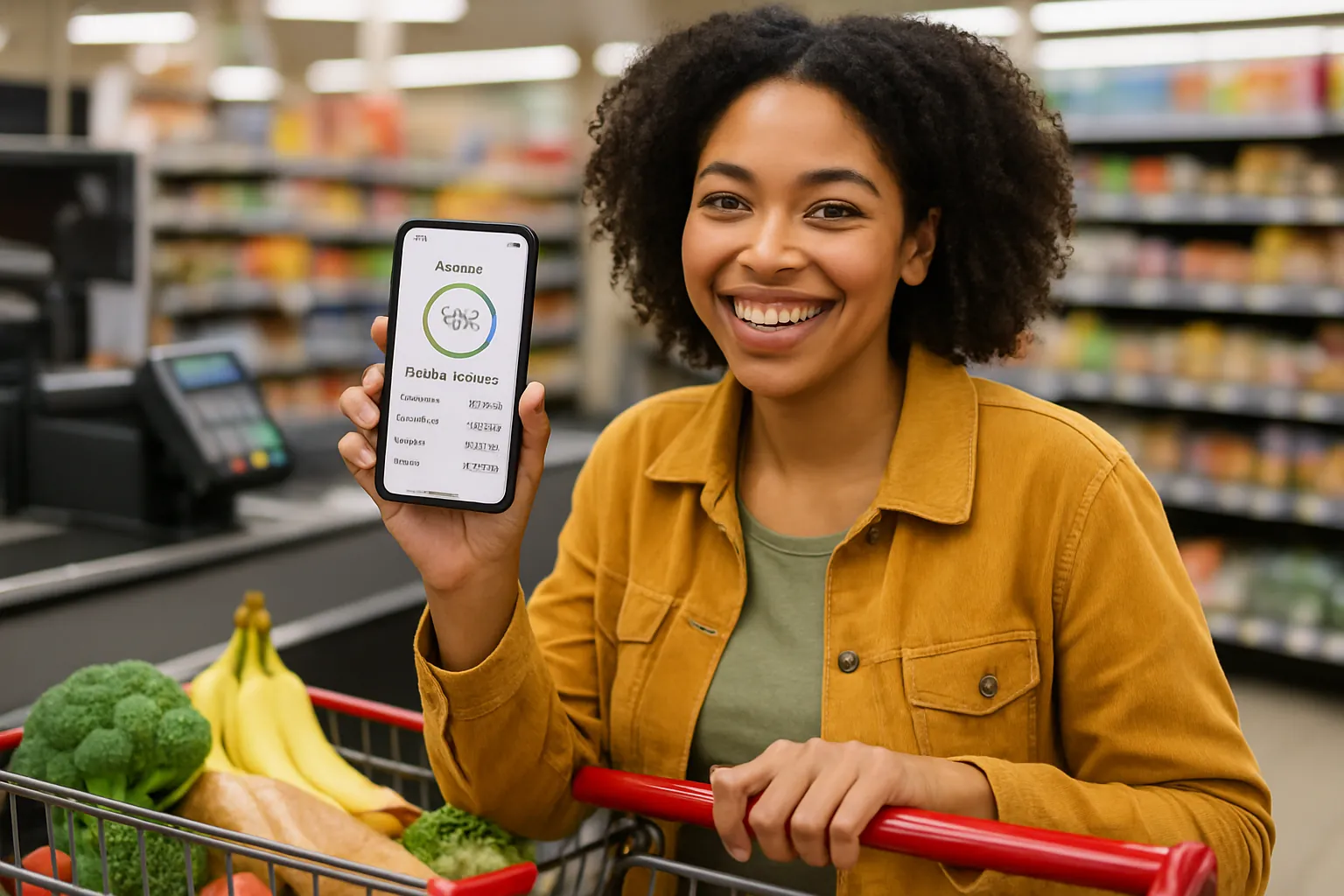
Take Control of Grocery Spending—with Buy Now, Pay Later Smarts
Ever feel like your grocery bill keeps sneaking higher, no matter how carefully you shop? You’re not alone: new research shows around 1 in 4 Americans use Buy Now, Pay Later (BNPL) plans for groceries. But with the right budgeting and apps, BNPL can become your secret weapon—not a debt trap. Here’s how to use installment tools and careful tracking to boost your grocery savings up to 15%, starting today.
1. Track Every BNPL Grocery Purchase with a Smart App
Problem: It’s easy to lose track of what you owe when split across multiple installment plans—especially with everyday expenses like food. Missing a payment often triggers fees or hurts your credit.
“Cushion ai offers a virtual credit card that consolidates all BNPL purchases into a single account, allowing users to track and manage their installment payments effectively.” (TIME Stamped)
One organized list puts you back in control. Cushion ai, Rocket Money, and YNAB all let you connect your accounts and see at a glance where your BNPL food spending lands. Cushion ai even reports your payments to credit bureaus—good payments can help your credit score grow.
- Set up Cushion ai or Rocket Money
- Connect your grocery store BNPL accounts
- Review your main spending dashboard weekly
Start today: Download Cushion ai or Rocket Money, link your accounts, and set up daily or weekly alerts for new purchases.
2. Never Miss a Payment—Use Calendar Syncs and Alerts
Problem: Late BNPL payments mean extra fees and, sometimes, even higher grocery costs over time.
“Cushion ai offers a calendar sync feature that integrates BNPL payment schedules with Google Calendar, providing automatic reminders to avoid missed payments.” (Activity Covered)
Avoiding fees is one of the fastest ways to actually realize those ‘savings’ BNPL offers at checkout. PocketGuard sends bill reminders, while Cushion ai and Goodbudget make it simple to plug payment deadlines right into your Google Calendar or phone reminders.
- Turn on push/email reminders in PocketGuard or Cushion ai
- Sync BNPL due dates to your phone’s main calendar
- Schedule grocery runs just before paychecks clear for easiest budgeting
Tip: Being reminded ahead of time also makes it easier to adjust your grocery shop that week if a payment is coming due.
3. Budget Upfront—Allocate Groceries and BNPL With Zero-Based Systems
Problem: BNPL can trick us into thinking we have more money available next week than we really do, leading to negative account balances or overdraft charges.
“YNAB (You Need A Budget) employs zero-based budgeting, helping users allocate every dollar to specific expenses, including BNPL payments, ensuring they are accounted for in the budget.” (Kiplinger)
Give every dollar a job before you shop. Apps like YNAB, Goodbudget (with envelopes), and Honeydue (for couples) make it easy to separate food, BNPL, and essentials—so groceries don’t crowd out other bills.
- List this week’s total grocery spending, including any “BNPL leftovers” from last week
- Allocate exact cash for food in YNAB, Goodbudget, or Honeydue
- Leave “wiggle room” for surprise deals or price jumps
Action: Try using YNAB’s free trial or set up a Goodbudget envelope for groceries to see exactly what you have before you hit the store or app.
Ready to Power Up Your Savings?
Turning BNPL into a tool—not a trap—means tracking purchases, never missing payments, and budgeting before you buy. Use smart apps like Cushion ai, Rocket Money, PocketGuard, or YNAB and make BNPL work for you, not against you. Get started now—download a budgeting app and sync your BNPL purchases before your next grocery run!