
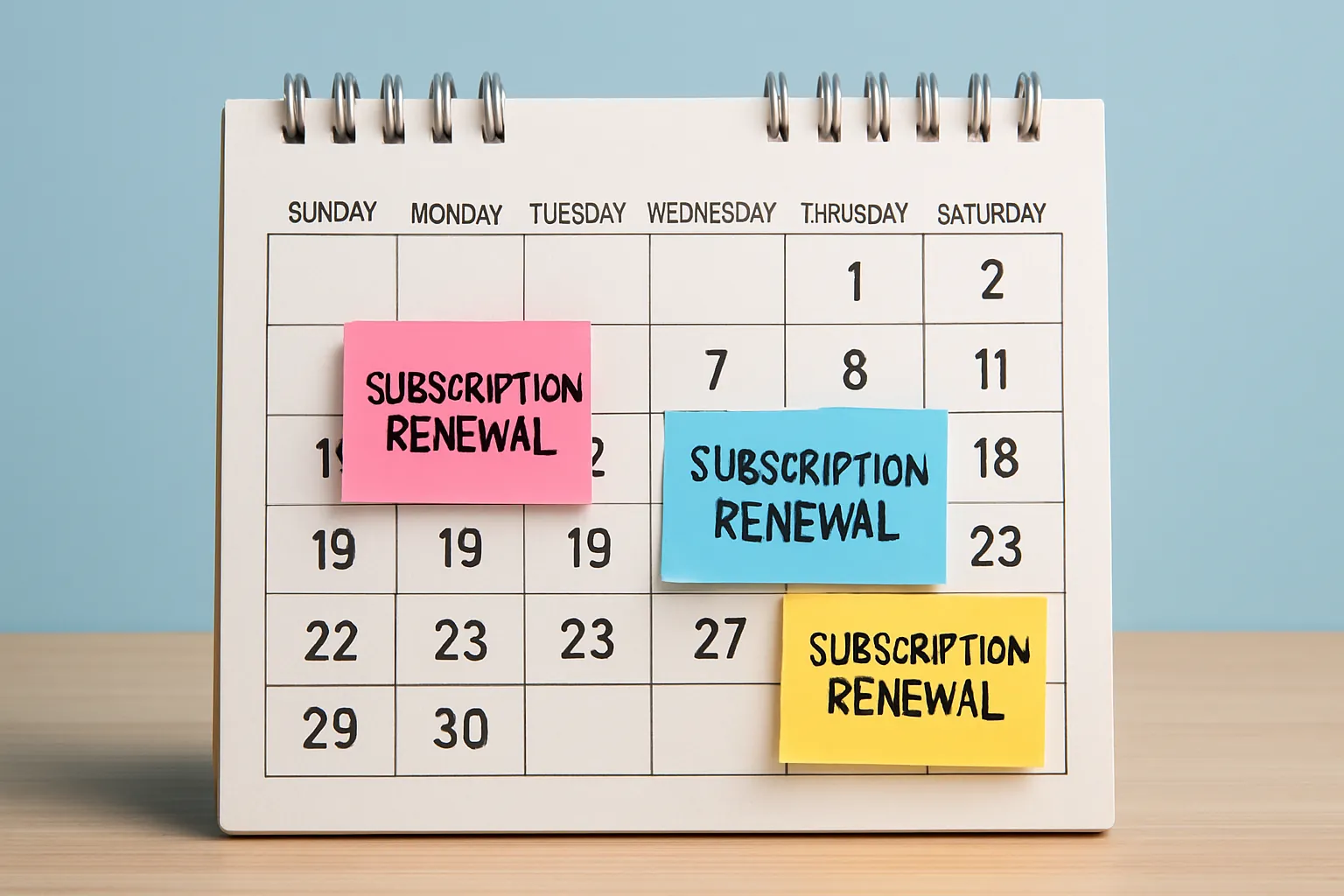
Break Free from the ‘Status Subscription’ Trap Today
Ever feel stuck paying for subscriptions (like streaming, gym, or meal kits) you barely use, just to keep up appearances? You’re not alone—millions let these services quietly drain their bank accounts every month, especially when times are tight and every dollar counts. In this article, you’ll uncover a practical Stream Swap method, including 5 actionable moves to break the ‘prestige economy’ cycle and stop spending big on unused status subscriptions—no guilt, no guesswork.
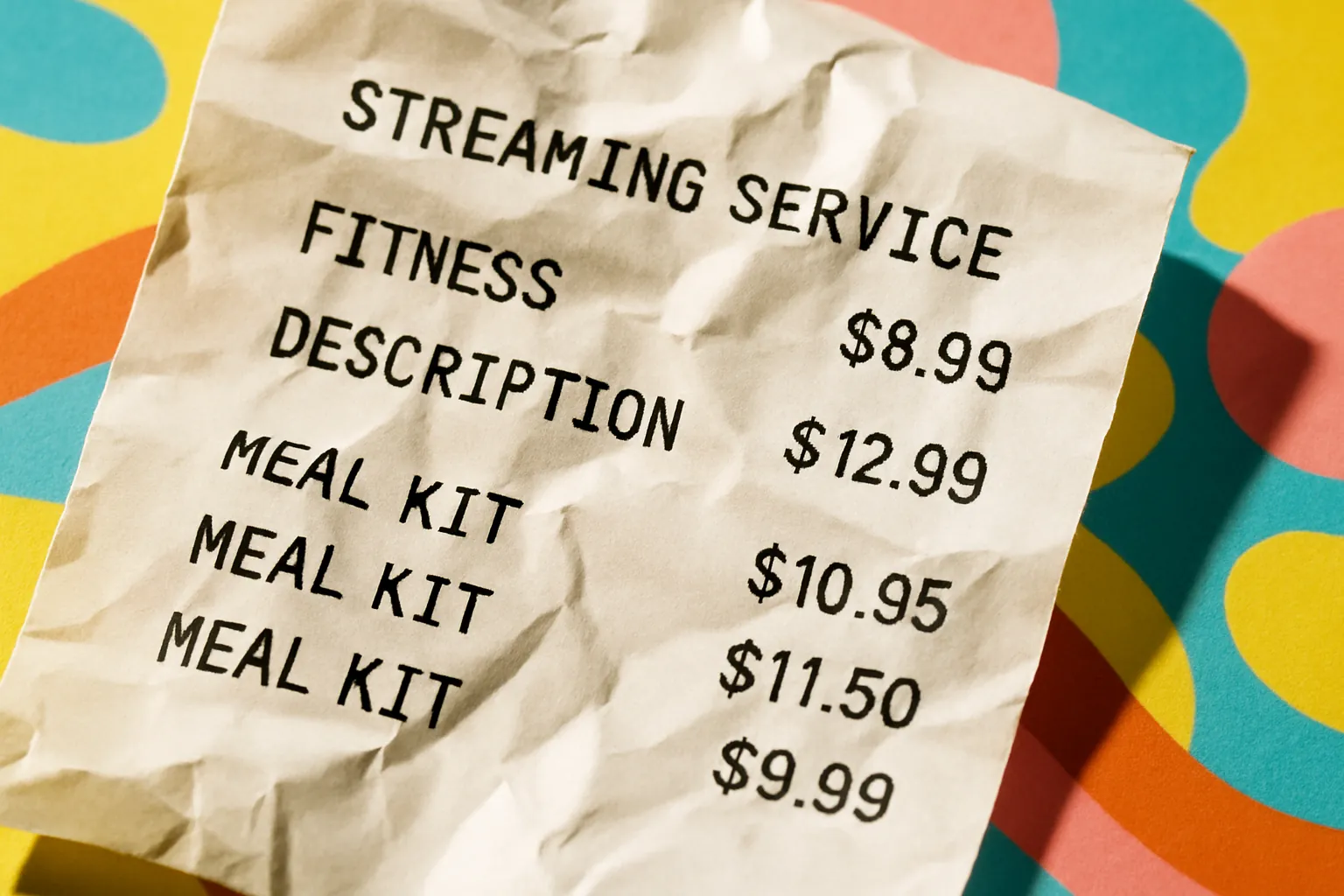
1. Spot the Subscription Sinkholes With a 2-Minute Audit
Nearly half of U.S. adults sign up for “free” trials and forget to cancel, and the average person spends $91 a month on subscriptions they barely notice (Kiplinger).
“U.S. adults spend an average of $91 per month on subscription services, with nearly 1 in 2 admitting they forget to cancel free trials.”
Subscription fees really add up—even if it’s just $15 here and $12 there. Try this now:
- Skim your last bank and credit card statements for recurring charges.
- Write down every subscription, even the small ones like cloud storage or newsletters.
Ready to see how much you’re really leaking? Tally it up, then ask yourself: Did you even use half these services last month?
2. Use Smart Apps to Take Control—No More Sneaky Renewals
If sorting subscriptions on your own feels overwhelming, let tech do the hard work. Apps like Rocket Money and Trim scan your spending, flag unused subscriptions, and even cancel them for you.
“Rocket Money claims 80% of users save money by canceling unwanted subscriptions, and Trim offers a free, user-friendly service to spot and ditch extras.” (CNBC, AARP)
You don’t need to do it all by hand—professional tools can cut your costs fast.
- Download Rocket Money or Trim (free versions available)
- Connect your bank account securely (the apps use strong digital safety standards)
- Let the app list out all recurring charges; review and cancel the ones that don’t spark value
Time to ditch your excuses and get help from the pros—the payoff is real!
3. Cancel the Hard Way—Apple’s Secret Shortcut
Not every subscription is easy to cancel! For iPhone users, there’s a hidden menu: Go to Settings > Apple ID > Subscriptions, and you’ll see everything on auto-renew (Techlicious).
“iPhone Settings make it straightforward to view and cancel active subscriptions in just a few taps.”
Don’t let digital clutter eat up your cash—check these hidden subscriptions monthly!
- Access the Subscriptions menu and scan for forgotten or old sign-ups
- Cancel what you don’t need; set a reminder to check again every 60 days
Feel in control with just a few finger taps—why pay for what you never watch?
4. Set Alerts—Stop Sneaky Auto-Renewals Before They Hit
Getting hit with a surprise charge right after a free trial? Tools like Capital One’s Eno send reminders before money leaves your account (Bankrate).
“Capitol One’s Eno helps users by sending reminders ahead of free trial renewal dates.”
Stop feeling tricked by ‘gotcha’ auto-renewals and take back control of your spending.
- Set up alerts inside your banking app, or try a free tool like Eno
- Add calendar alarms for every new subscription—you’ll thank yourself later
One five-minute check can save you $100s per year—no more “oops” moments!
5. Streamline Everything—Use One Card and the New ’Click-to-Cancel’ Rule
Keeping all your recurring charges on one card makes it 10x easier to track, and the latest FTC ‘click-to-cancel’ rule means you can now ditch most subscriptions quickly, often online with just a few clicks (AP News, Experian).
“The Federal Trade Commission’s new rule forces companies to make it just as easy to cancel as to sign up.”
No more hours on hold—quitting subscriptions is now your right, not a hassle.
- Switch all subscriptions to a single dedicated credit or debit card
- Review that card’s statement each month for anything odd
- Look for a cancel option in your account dashboard before calling—most sites must let you leave online thanks to the new law
Be your own subscription boss—don’t let the ‘prestige economy’ pressure keep you locked in.
Wrap-Up: Get Your Money Back From the Prestige Trap
Auto-renewing subscriptions can quietly steal $400+ from your wallet every year, often for services you don’t even want. With these five Stream Swap moves—auditing your accounts, using smart apps, quick-tech cancellations, alert setups, and the new ‘click-to-cancel’ law—you can put real money back in your pocket, fast. Start now: Run the 2-minute audit or connect to Rocket Money today, and watch your wasted payments disappear for good.